Skip to content
RiskMeter
Sample reports

The deliverables, before you commit.

A RiskMeter scan produces three reports, each written for a different audience inside your business. Below are illustrative samples — the target, findings, and metadata are fabricated. Real reports describe actual scans of explicitly authorized assets.

Baseline · for owners and managing partners

RiskMeter Website Security Report

The plain-English summary every RiskMeter customer receives. Threat level, scan detail, severity counts, and an executive list of every vulnerability group discovered — written so a non-technical reader can decide what to do next.

Designed to be readable by an owner, managing partner, or office manager — and forwardable to an insurance broker or institutional client without translation.

What's in this report

  • Cover with target, scan window, and scan duration
  • Overall threat level with a one-paragraph plain-English summary
  • Severity counts (Critical / High / Medium / Low / Informational)
  • Executive summary table of every vulnerability group with instance counts
  • Suitable to attach to a cyber-insurance application
Download sample PDFPDF · 10 KB · 5 pages

Page preview

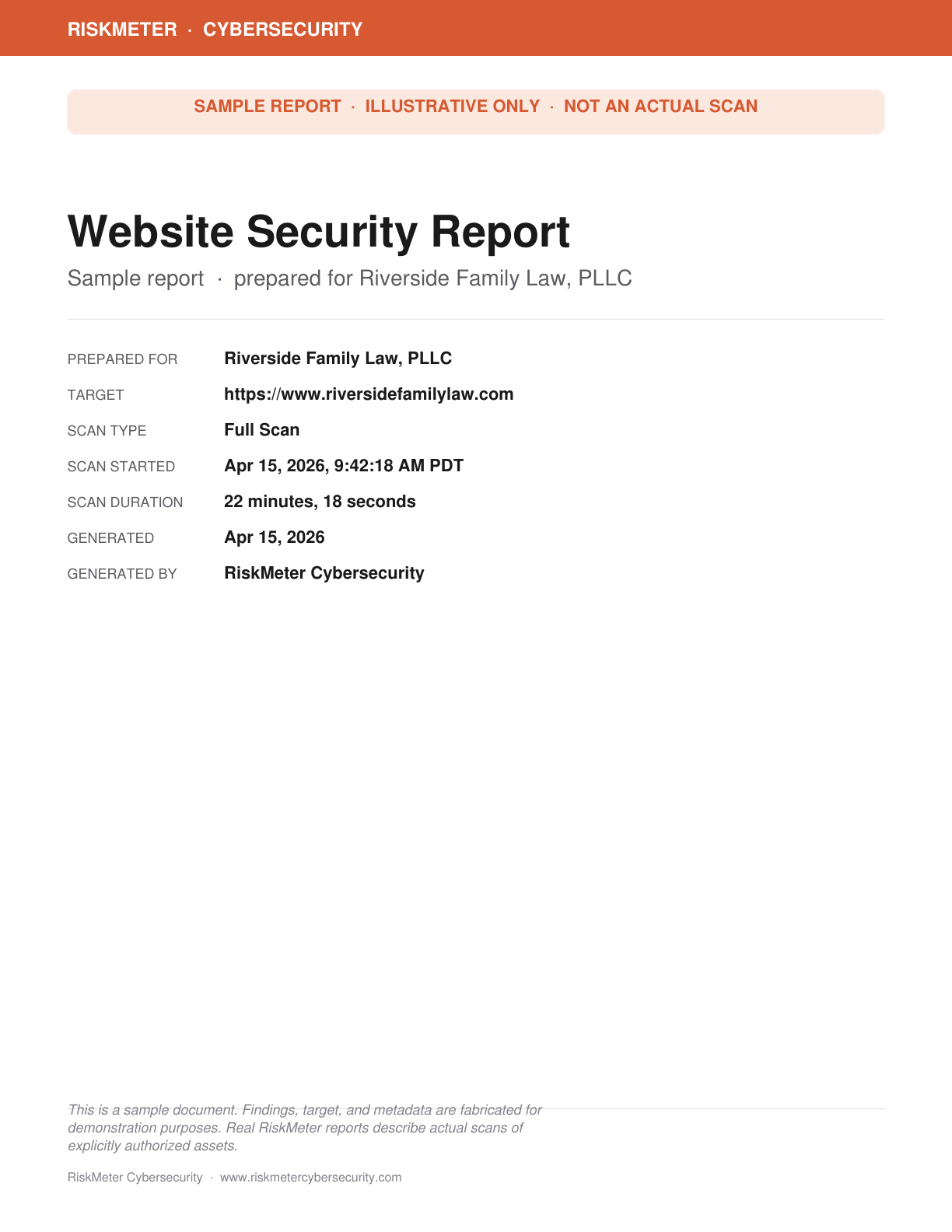
Sample Website Security Report cover with target, scan metadata, and sample disclaimer
Severity counts table from the Website Security Report
Executive summary vulnerability group table
Action guide · for owners doing the fixes

RiskMeter Remediation Guide

Every finding from the Technical Report, translated into plain English with concrete fix steps and effort estimates. Built for the owner or office manager coordinating with their IT vendor — or doing the simpler fixes themselves.

Designed for the small-business owner who wants to act on the findings without learning security vocabulary first. Pair with the Technical Report when working with a developer or MSP.

What's in this report

  • Plain-English description of every finding (no security jargon)
  • Effort estimate per fix: 5 minutes / half-day / who does it
  • Numbered fix steps written for non-technical readers
  • Clear hand-off cues: things you can do yourself vs. send to your IT vendor
  • Severity guide so you know what to address today vs. next quarter
Download sample PDFPDF · 32 KB · 13 pages

Page preview

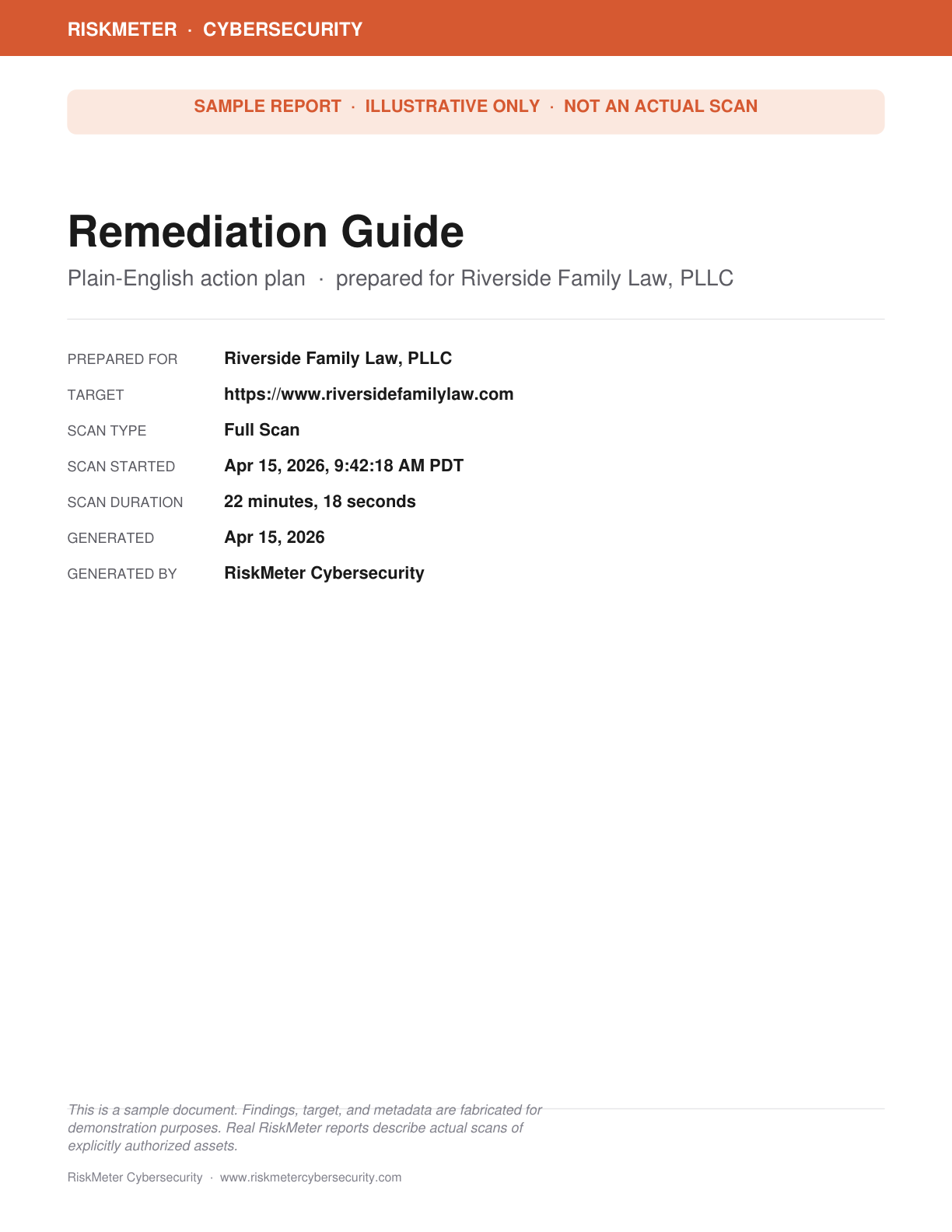
Sample Remediation Guide cover
How to use this guide and severity-level explanation
Plain-English finding with effort estimate, what it means, and numbered fix steps
Compliance · for regulated businesses

RiskMeter PCI DSS Web Report

The compliance-mapped version. Each finding is grouped under the PCI DSS 4.0 requirement it speaks to, with the requirement's purpose and good-practice guidance restated alongside. The same template is also used for HIPAA, ISO 27001, and other compliance lenses on request.

Designed for businesses that store, process, or transmit cardholder data — or that field PCI-flavored vendor questionnaires from clients.

What's in this report

  • PCI DSS 4.0 description and disclaimer
  • Compliance-at-a-glance map: finding count per requirement
  • Per-requirement sections with purpose, good practice, and findings
  • Full evidence (URLs, request snippets) for each finding
  • Recommended fixes written for the firm's IT vendor
Download sample PDFPDF · 42 KB · 15 pages

Page preview

Sample PCI DSS Web Report cover
PCI DSS compliance-at-a-glance requirement map
Per-requirement finding detail with evidence
Comprehensive · for IT and remediation teams

RiskMeter Technical Report

The full technical write-up. Every finding gets a description, an impact statement, the evidence captured during the scan, a recommended fix, and external references. Severity-organized so an IT vendor can work top-down.

Designed for the IT vendor, MSP, or developer doing the actual remediation work. Pair with the Website Security Report for the partner-facing summary.

What's in this report

  • Severity dashboard and impact summary
  • Findings grouped by severity, ranked top-down
  • Per-finding evidence: affected URL, HTTP request snippet, CWE, CVSS
  • Recommended fix with concrete configuration guidance
  • Curated references to OWASP, CWE, and vendor documentation
Download sample PDFPDF · 42 KB · 16 pages

Page preview

Sample Technical Report cover
Vulnerability group impact table
Detailed finding with description, evidence, and recommended fix
See how a real scan gets done

Launch offer · limited

Free scans for the first 10 qualified businesses.

Tell us about your site and we'll review your application. Submission does not guarantee acceptance.

Apply for a free scan →